
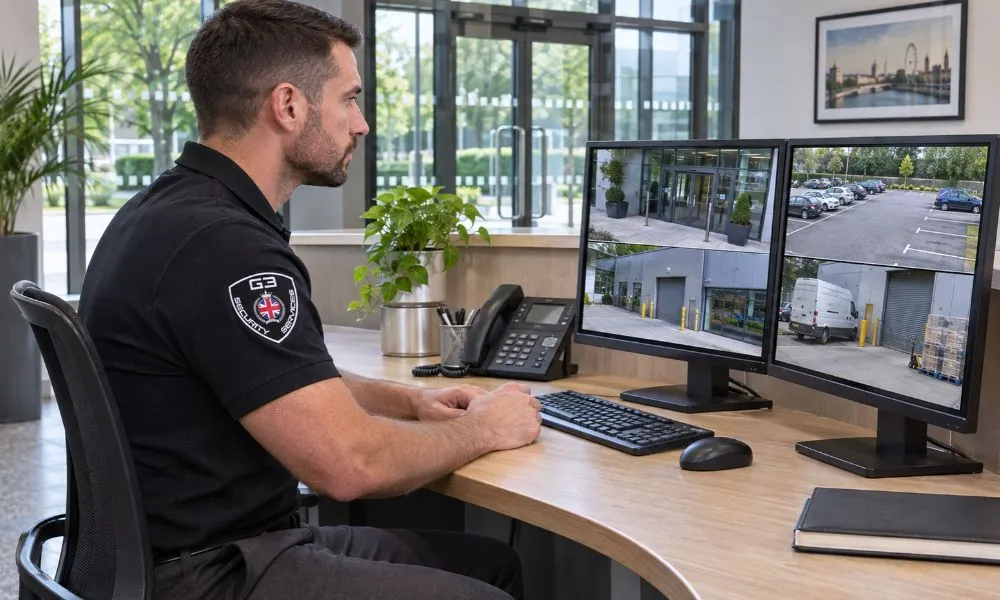
Having security guards on site is one part of protecting your business. You also need to know whether scheduled patrols are completed, what issues guards find and who follows up when something goes wrong.
Security guard monitoring gives you that information through check-ins, patrol logs and incident reports. These records help you spot gaps in coverage and act on problems that need attention. In this guide, we’ll look at how guard monitoring helps protect your business and how to set it up for your site.
1. Patrols and Support Guard Safety
Patrol logs show when guards carried out scheduled checks. That helps supervisors see which areas were covered and follow up if a check was missed. For example, a warehouse manager can review the overnight patrol log to see whether the loading area was checked after closing.
Check-ins are also helpful when a guard works alone. If an officer misses a scheduled check-in, the supervisor can contact them to make sure they’re safe and find out whether they need support.
2. Improve Guard Performance and Accountability
Shift records help supervisors review attendance, punctuality and completion of assigned duties. They also give guards a way to explain why a task was delayed. An officer who had to deal with a faulty door, for example, can record what happened and flag any checks they still need to complete.
Over time, these records can show where instructions need to be clearer or where the team needs more support. If the same task is regularly left unfinished, a supervisor can look at how duties are assigned and whether there’s enough time to complete them.
3. Share Real-Time Updates and Coordinate Incident Response
A timely update helps the security team decide who should respond and what they need to know. If a retailer calls for help with a dispute, for example, the supervisor can share the location and direct an available officer to assist.
Updates also help when several people are involved. The officer on site can tell the supervisor what’s happening, and the supervisor can keep the site manager informed or arrange extra support if needed.
4. Plan Security Cover Around Your Site’s Needs
Patrol and incident records can show when demand for security is highest. If a retail site regularly needs help with queues on Saturday afternoons, the site manager can review staffing for that period. If a site receives frequent calls after closing, the manager can look at whether evening cover needs to change. This gives managers a practical basis for deciding where to place officers and how to schedule shifts.
5. Keep Accurate Records of Security Incidents
A clear incident report records when and where something happened, what the guard observed, who was informed and what action was taken. Those details make it easier for managers to follow up after the shift ends.
For example, if an officer finds a damaged door, the report can show when the damage was noticed, who was contacted and whether a repair is still pending. The next shift can then see what needs attention without having to piece together what happened.
6. Give Site Managers a Clear View of Security Activity
A short shift summary tells managers which patrols were completed, what incidents guards handled and what still needs attention.
For example, an overnight report can confirm that routine checks were done and flag a broken light for repair. Managers can quickly see what needs follow-up.
How to Monitor Security Guards
Decide What You Need to Track
Start with the duties that matter most at your site. These might include shift attendance, scheduled patrols, lone-worker check-ins and incident follow-up. Make sure guards and supervisors understand what should be recorded during each shift.
Choose Suitable Monitoring Tools
A digital patrol log can give guards a quick way to record checks and add notes. QR checkpoints allow officers to log visits to assigned locations, while GPS-enabled apps can support location-based check-ins. Choose tools that fit the site and the work guards do there.
Set Up Check-Ins and Alerts
Agree on when officers should check in, who receives a missed check-in alert and who is responsible for following up. That way, the person who receives the alert knows what action to take.
Review Patrol Records and Task Completion
Compare the shift record with the duties assigned. If a patrol or task was missed, ask what happened. A guard may have been responding to an incident, or the schedule may need adjusting. The reason helps you decide what to do next.
Use the Findings to Improve Security Cover
Look for issues that come up across several shifts. If records regularly show that officers are pulled away from patrols to help with deliveries, for example, review how those duties are scheduled. A change in timing or staffing may give officers enough time to cover both.
Need Security Guards for Your Business?
Keeping your site secure can get harder when you’re managing busy periods, staff changes and after-hours access. You need to know that scheduled patrols are completed, incidents are recorded and any issues still open are passed on to the next shift.
At G3 Security, we can help you plan security cover around your site’s layout, opening hours and busiest periods. We’ll talk through where you need guards, what they should check on patrol and how you’d like to receive updates.
Conclusion
Security guard monitoring helps businesses confirm that patrols are completed, stay in touch with guards and follow up on incidents. Simple tools like scheduled check-ins and clear shift reports make it easier to spot gaps in coverage and pass unresolved issues to the next team.
Start by deciding what needs to be checked, who will review the records and how missed checks will be handled. That gives your team a clear way to act when something needs attention.
 Get a Quote
