
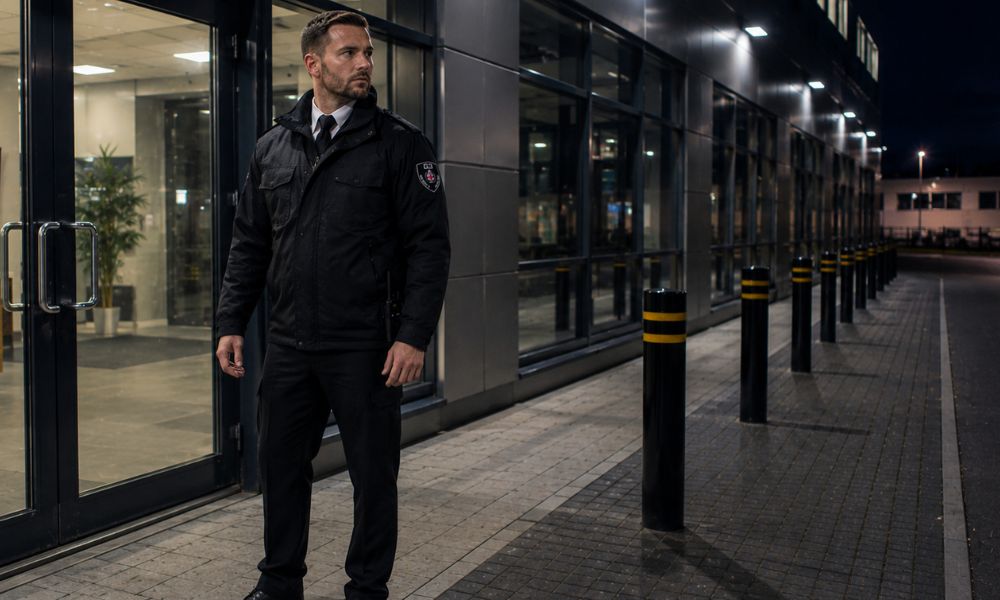
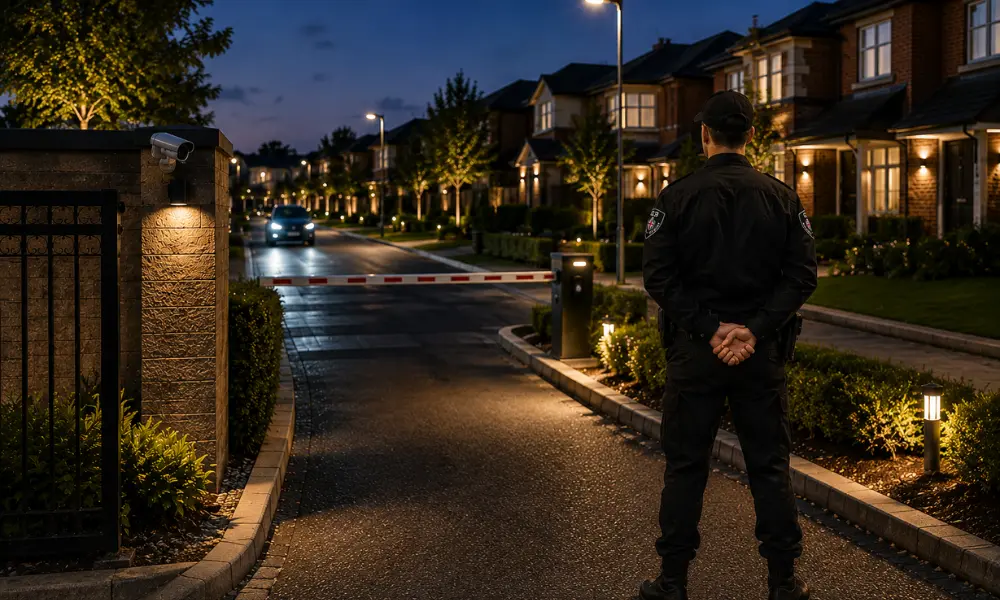
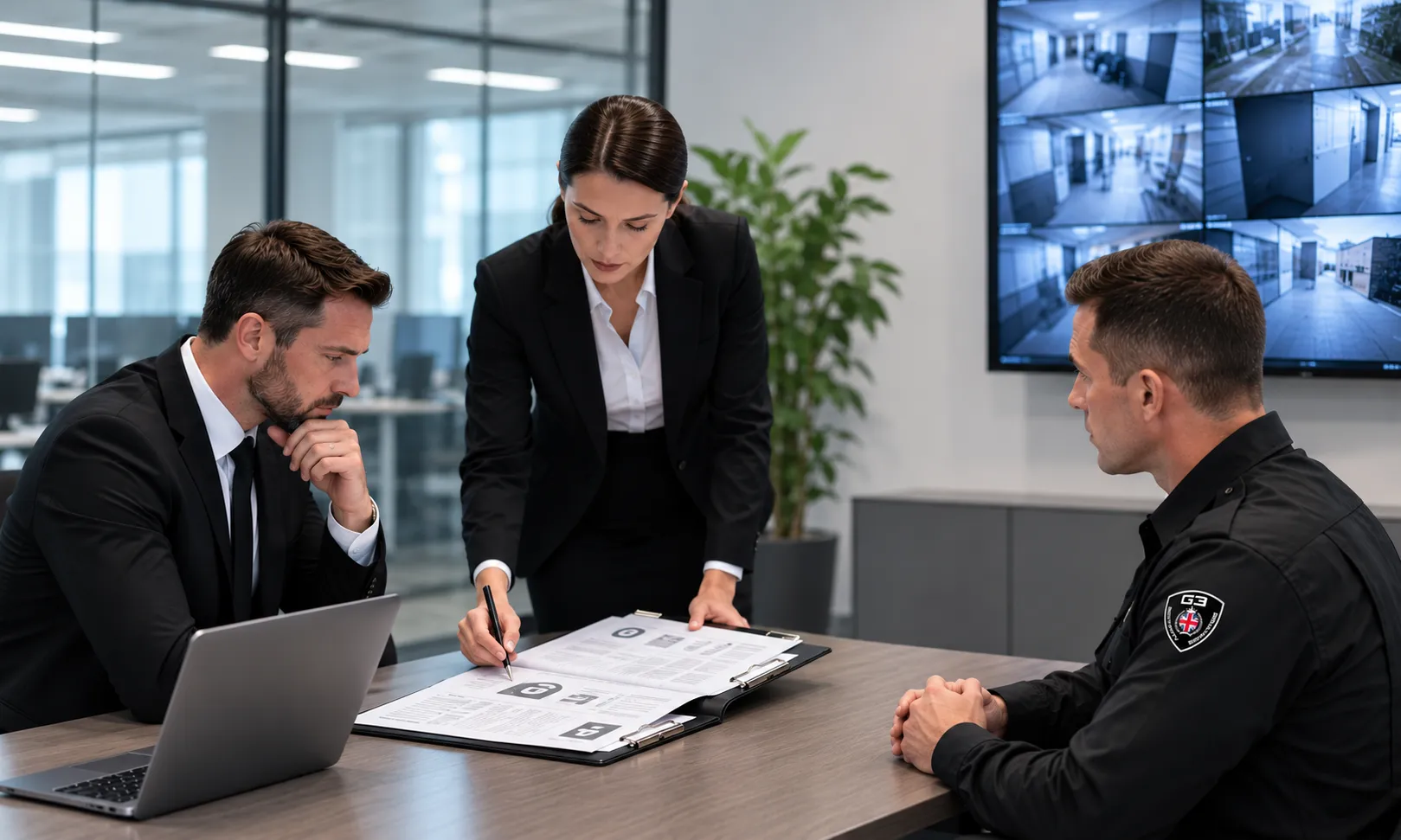
Once your employees have finished for the day and the premises are locked, your business can become more vulnerable to security threats.and fewer people on-site create opportunities for break-ins, theft, vandalism, and unauthorised access. That’s why having a proactive out-of-hours security strategy is essential for protecting your property, assets, and business operations. In this guide, we’ll explore practical ways to strengthen your business security outside working hours and reduce the risk of costly incidents. Why Out-of-Hours Business Security Matters Many security incidents occur when businesses are closed. Criminals often target premises during the evening or overnight because there are fewer people around to notice suspicious activity. A single security breach can result in stolen stock, damaged property, business disruption, and expensive repairs. Aside from the financial impact, security incidents can affect your company’s reputation, increase insurance costs, and reduce confidence among employees and customers.A well-planned security strategy helps reduce potential risks and makes it far more difficult for criminals to target your business after hours. Secure All Entry Points with High-Quality Locks Strong physical security is the first line of defence against intruders. Every entrance, exit, window, and access point should be fitted with reliable locking systems that are designed to resist forced entry. Regularly inspect locks for signs of wear or damage, and don’t overlook rear entrances, loading bays, or emergency exits, as these are often targeted by criminals. Well-secured doors and windows often make it much harder for intruders to gain access to your premises. Install a Monitored Alarm System While locks help delay intruders, an alarm system provides immediate notification if someone attempts to gain access. Modern monitored alarm systems can send real-time alerts to business owners or monitoring centres, allowing a rapid response to potential threats. When choosing an alarm system, look for features such as: Instant mobile notifications 24/7 remote monitoring Battery backup during power failures Silent alarm functionality Reliable dual-network connectivity A monitored alarm system can significantly reduce response times and limit the damage caused by security incidents. Secure the Perimeter Around Your Business Protecting the boundary of your property is just as important as securing the building itself. A well-planned perimeter makes it harder for intruders to access your premises in the first place. There are several ways to improve the security around your premises, including installing secure fencing, access-controlled gates, and protective barriers. For larger sites, regular mobile patrols can help monitor the property, respond to suspicious activity, and provide added protection when your business is closed. Improve Visibility with Security Lighting Poorly lit areas provide cover for criminal activity. Good lighting around entrances, exits, walkways, car parks, and loading areas makes it more difficult for intruders to go unnoticed at night. Motion-activated lighting is particularly effective because it immediately draws attention to unexpected movement while also improving the quality of CCTV footage during the night. Control Access to Your Premises Access control systems help businesses manage who can enter the property and when. Instead of relying solely on traditional keys, businesses can use key cards, PIN codes, biometric scanners, or electronic fobs to restrict access to authorised personnel. It’s equally important to review access permissions regularly. Make it a habit to remove access for former employees and update permissions whenever someone changes roles within the business. Install and Maintain CCTV Systems CCTV is one of the most effective ways to monitor your business and discourage criminal activity. Simply having visible cameras can make people think twice before attempting a break-in or theft, while recorded footage provides valuable evidence if an incident occurs. For maximum effectiveness, your CCTV system should: Cover entrances, exits, and vulnerable areas Include night vision capabilities Record high-quality footage Store recordings securely Be inspected regularly to ensure every camera is functioning correctly Regularly checking your CCTV system ensures it’s ready to capture clear footage when you need it most. Protect Valuable Assets Inside Your Business Even with strong external security, valuable assets should also be protected inside your premises. Cash, confidential documents, expensive equipment, and high-value stock should be stored securely in safes or lockable storage units whenever possible. Store valuable equipment and sensitive documents in secure locations where only authorised employees can access them. Carry Out Regular Security Audits Business security should never remain static. As your operations grow or your premises change, your security measures should be reviewed to ensure they continue to provide adequate protection. A routine security audit allows you to: Identify weaknesses in existing security systems Check locks, alarms, CCTV, and lighting Review access control permissions Update emergency procedures Address new security risks before they become serious problems Regular reviews help maintain a strong and effective security strategy throughout the year. Develop a Clear Emergency Response Plan No security system can guarantee complete protection, so every business should have a well-defined emergency response plan. Employees and security personnel should know exactly what to do if an alarm is activated or a security breach occurs. Your emergency response plan should include: Emergency contact information Procedures for reporting incidents Evacuation plans where necessary Communication with emergency services Steps for securing the premises after an incident Regularly reviewing and practising these procedures helps ensure everyone can respond quickly and effectively during an emergency. Work with a Professional Security Provider Technology provides an excellent foundation for business security, but professional security services add an extra layer of protection through trained personnel and rapid response capabilities. At G3 Security, we provide tailored commercial security solutions designed to protect businesses outside working hours. Whether you require mobile patrols, keyholding and alarm response, or customised security plans, our experienced security professionals help safeguard your premises, employees, and assets 24 hours a day. Working with an experienced security provider gives you access to professional support that’s tailored to your business and its security needs. Final Thoughts Keeping your business secure during out-of-hours requires a combination of physical security, modern technology, regular maintenance, and professional support. Strong locks, monitored alarms, perimeter protection, CCTV, access control, and security lighting all work together
- Home
- About Us
- About G3
- Mission, Vision & Values
- Security Company in Birmingham
- Corporate Social Responsibility
- Environmental Policy
- Health & Safety Policy
- Quality Policy
- Equality & Diversity Policy
- Workplace Pension Policy
- Workplace Drug & Alcohol Policy
- Anti-Modern Slavery Statement
- Lone Worker Policy
- Gallery
- FAQ
- Privacy Policy
- Leave Us a Feedback
- Services
- Careers
- Blog
- Contact Us



 Get a Quote